


Safety & Privacy
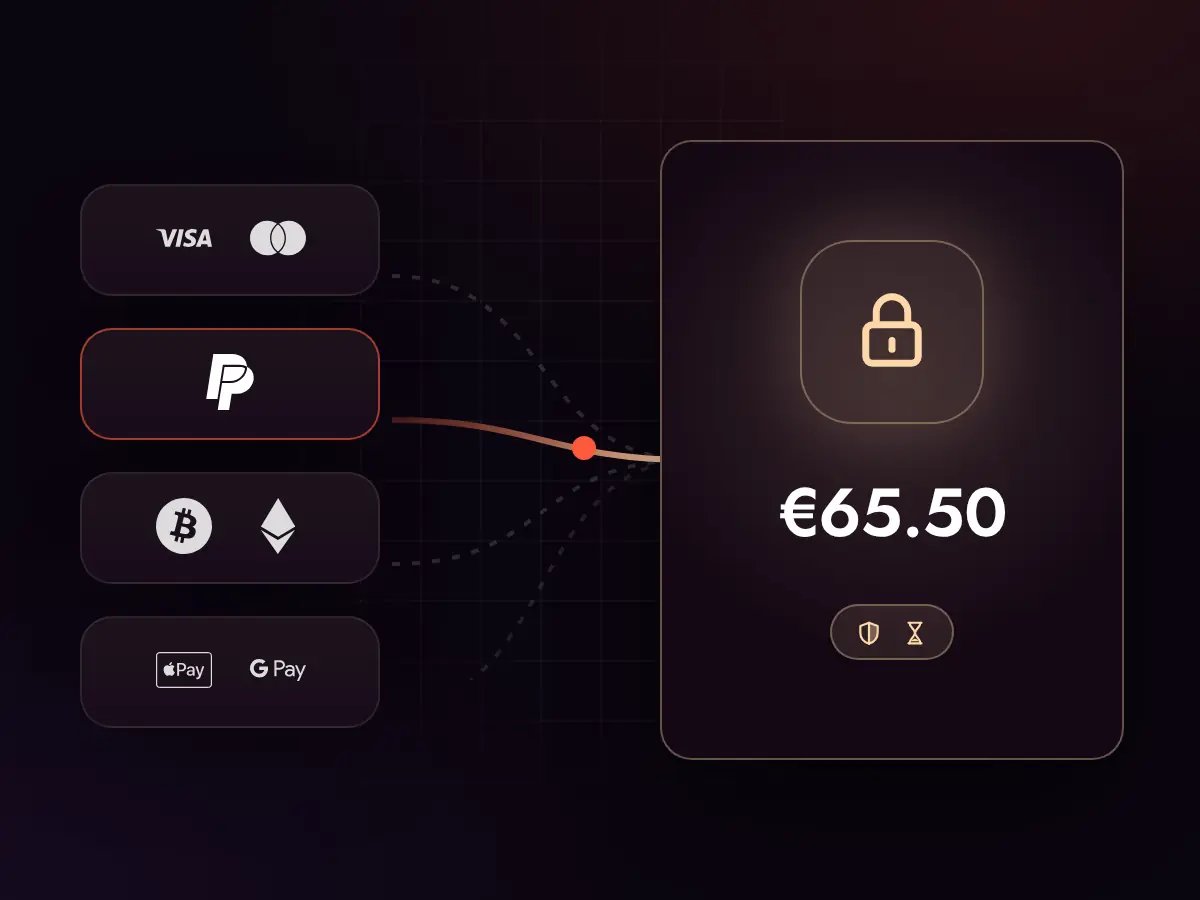
We protect your account and data at every step. We use secure payments, SSL, trusted procedures and solutions like VPN where needed.
Set your account’s tier and 1 to 10 hours, and post the order. Verified Free Fire boosters send offers with their own price and timing; you pick one and tell them what matters — daily and weekly missions, Booyah Pass levels, gold, character and pet progress or the event that ends this week — and they work down your list.
Live Marketplace
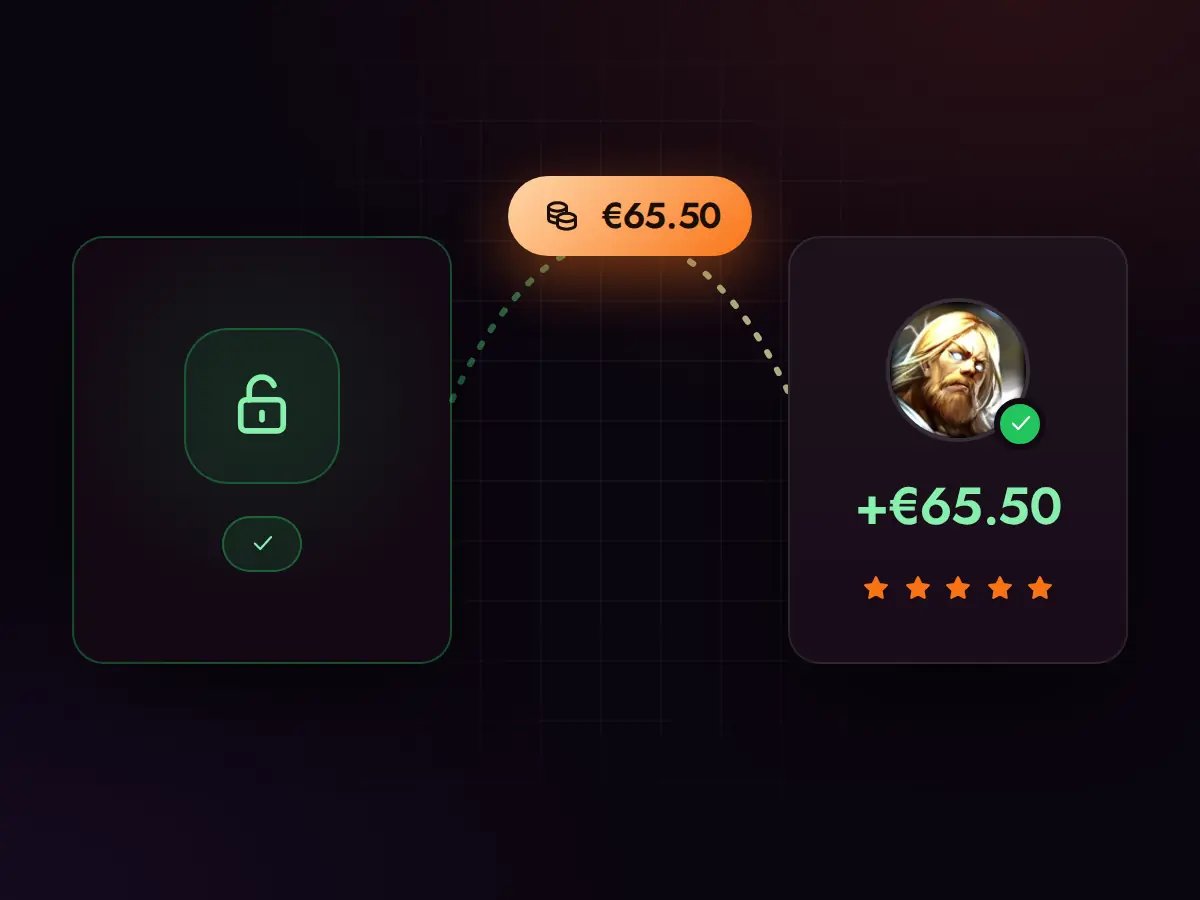
From your request to your booster getting paid. Five simple steps and you stay in control the whole time.
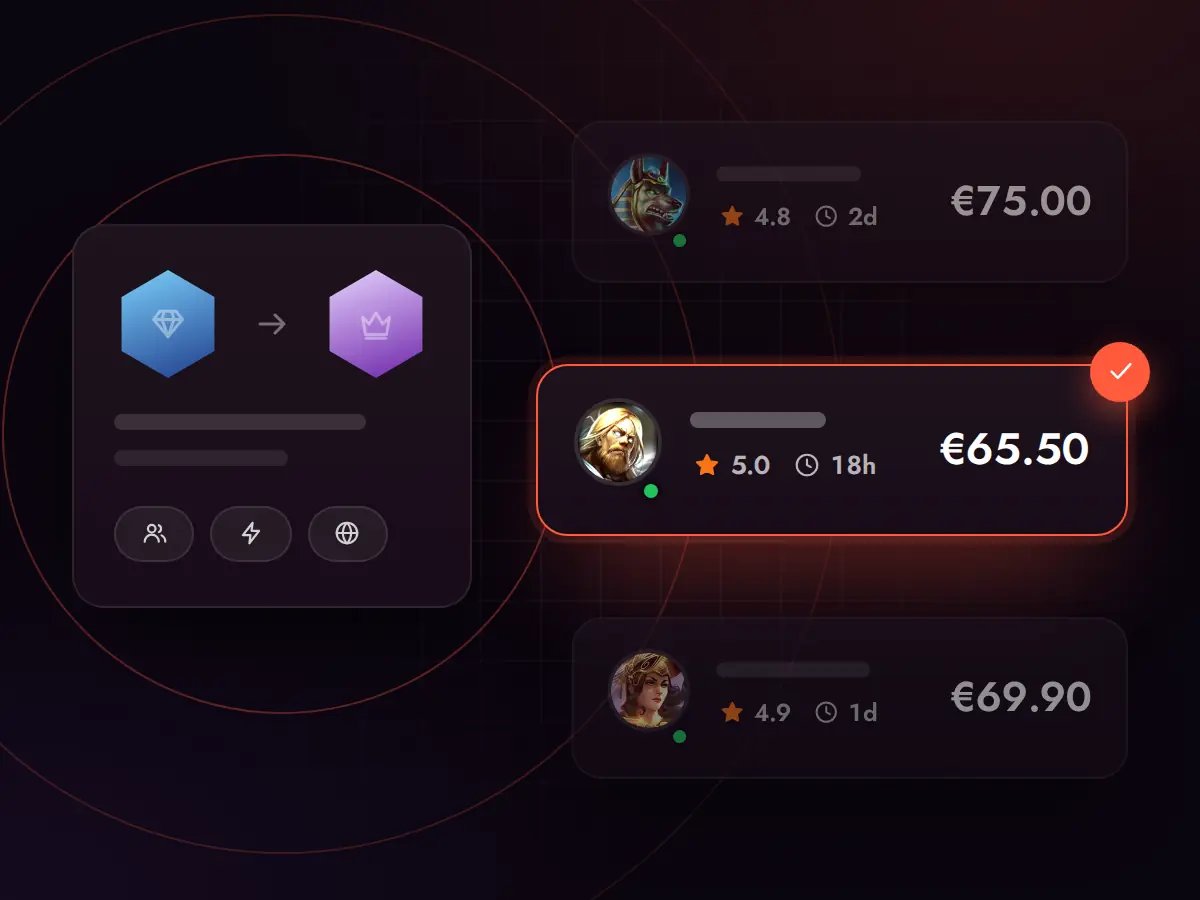
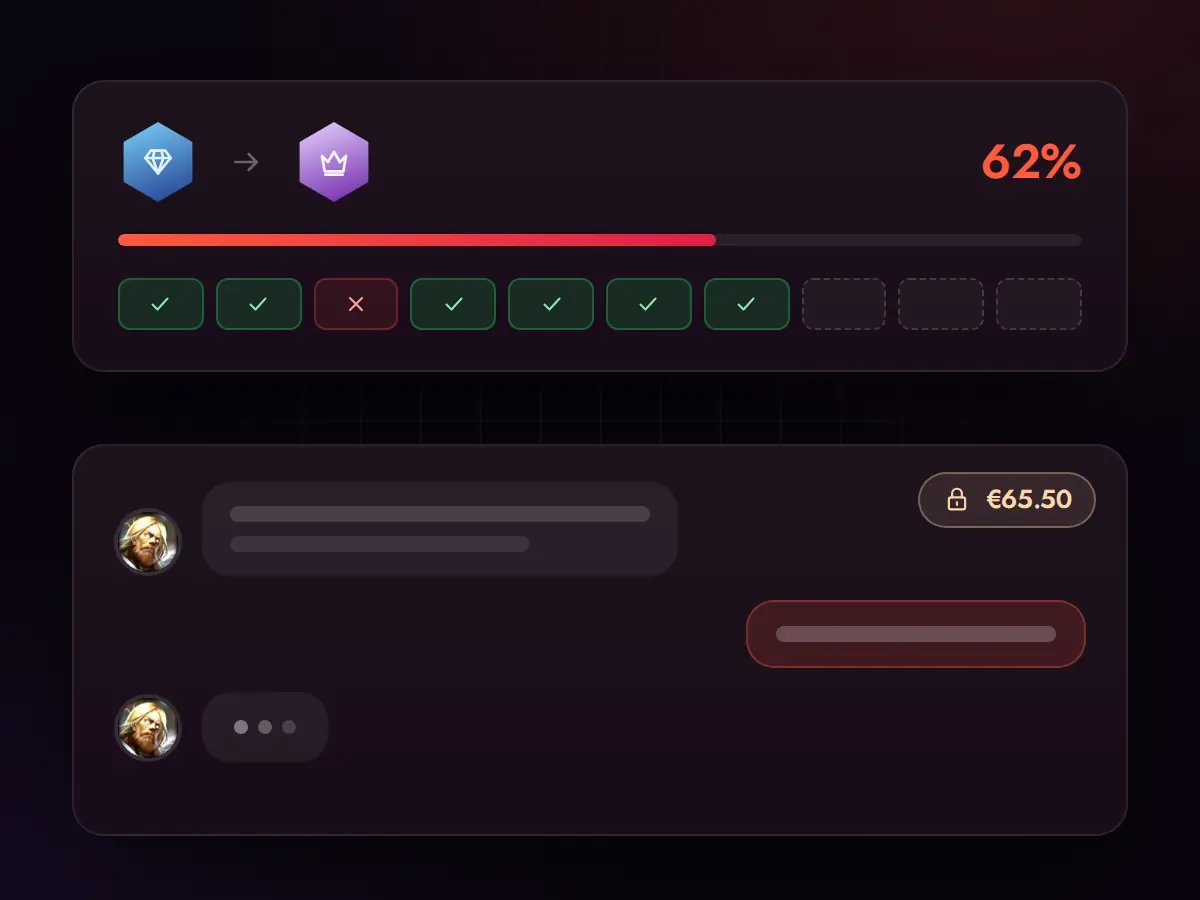
Instead of paying a fixed predetermined price, you create an order that reaches verified boosters. Each of them can propose their own price, delivery time and approach.
FAQ
Our Strengths
Gaming services built for players
What Sets Us Apart
Boosting and coaching on a new level
We protect your account and data at every step. We use secure payments, SSL, trusted procedures and solutions like VPN where needed.
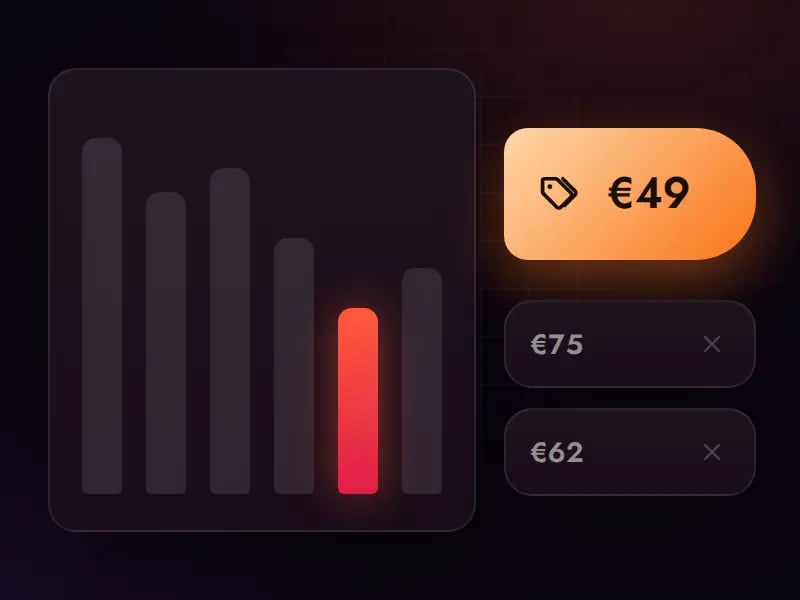
You don't pay a fixed calculator price. Create an order and let verified boosters submit their own offers so you can pick the best balance of price, speed and quality.
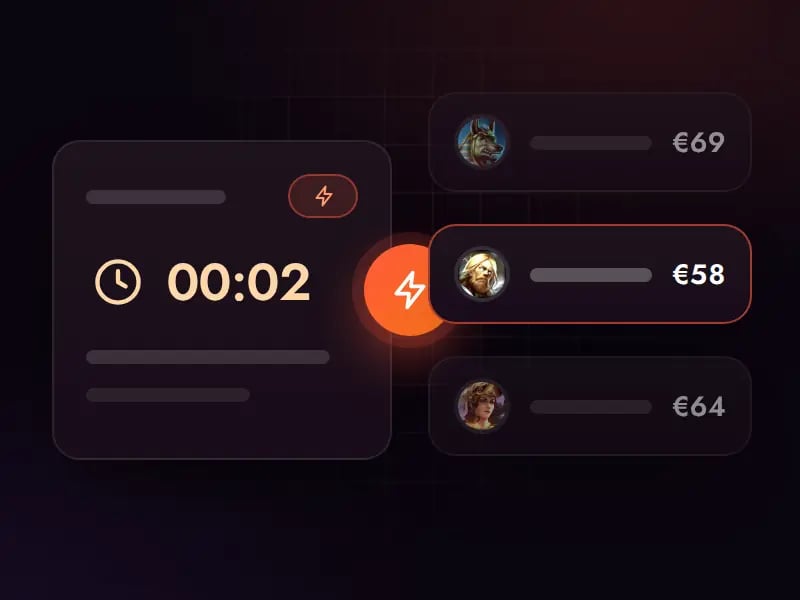
Once your order is live, boosters can submit offers right away. You pick the one that fits your price, reviews and delivery time - no random booster assignment.
Have a question, an issue with your order or want to clarify something? Our Discord support is available almost around the clock and helps at every stage.
Hours of play on your account, spent on the goals you set.
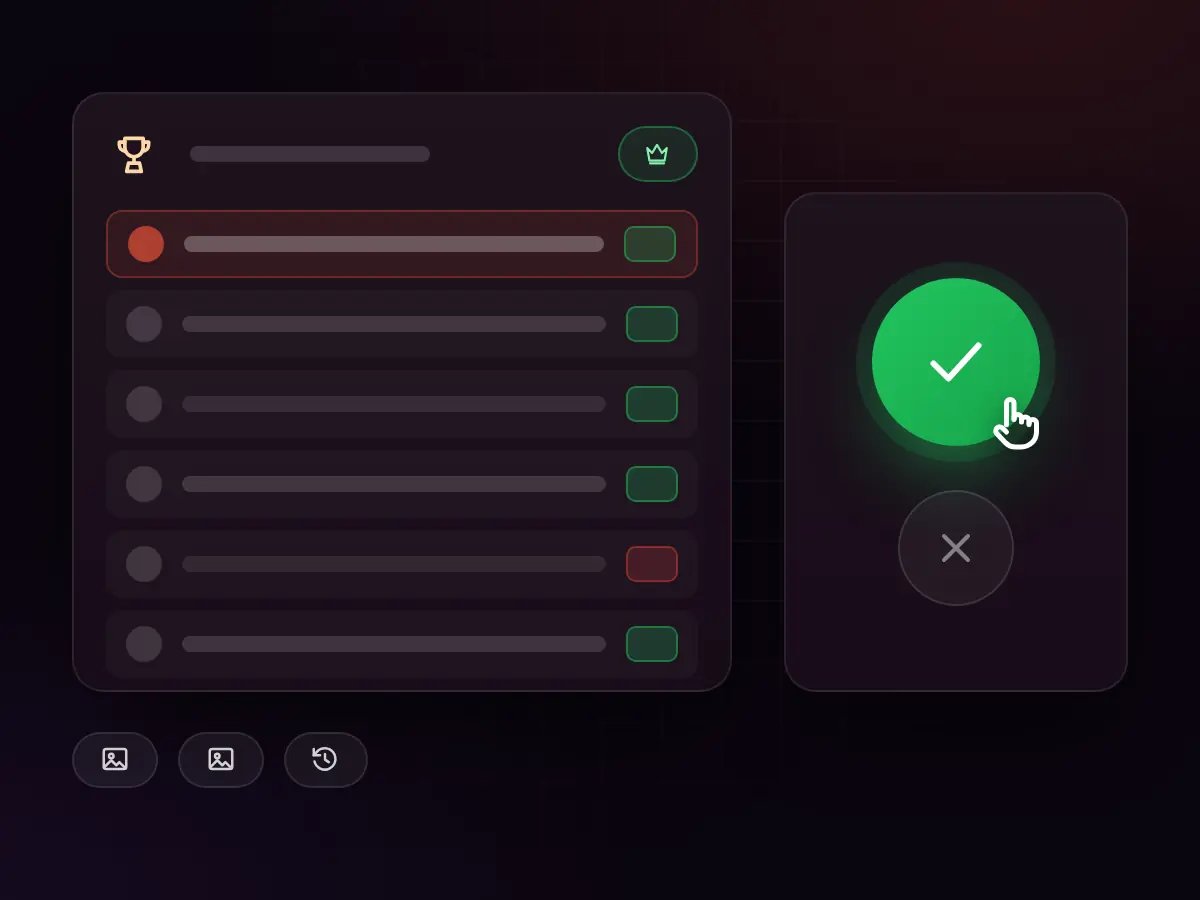
The usual list, in your order.
Agreed in the order chat.
A marketplace, not a fixed price list.
Start with what expires: daily missions reset every day and weekly ones every week, and an event that ends on Sunday will not come back. Put those at the top so the hours you buy never lose a reward that could not be earned later.
Then the long goals: Booyah Pass levels for the season, gold for a character or a pet, and progress on the characters you play most. These are the tasks that benefit from steady hours spread over several sessions rather than one long one.
Write the list in the order chat in the order you want it done, and say what “done” means for each item. A booster who knows that the pass must reach a certain level before the season ends plans the sessions around it.
Ranked seasons last about two months, and the Booyah Pass runs on its own monthly cycle. The final days of either are when most players realise how far they are from the rewards they wanted, and when hours are hardest to find.
Events are shorter still: a mission set for a character, a collaboration, a holiday. Their rewards are often the ones that never return, which makes them the most common reason players order a few hours at short notice.
If a deadline is close, say so before you accept an offer, and use the express option to tell boosters you need the first session soon. Boosters state in their offers when they can start, so you can choose one who can play in time.
Link a guest account to Facebook, Google, VK, X, Apple ID or Huawei ID before you order; it is the only way someone else can sign in, and it protects your progress if you ever lose the phone. Give the login only in the order, after payment, where only your booster sees it.
Choose the server your account plays on. Free Fire accounts stay in their region, so the booster connects from there; boosters filter orders by server, and you only get offers from those who can play yours without lag.
When the hours are done, you can change the password. Agree in the chat on anything that must not be touched — diamonds, the store, a favourite loadout — and the booster keeps to it. If something looks wrong, support is there 24/7.
Every offer comes from a booster with a public profile: their ranks, their rating and reviews from earlier customers. For hourly play, reviews that mention reliability and clear notes after each session tell you more than the highest rank on the profile.
If your account sits at Heroic or above, pick a booster who plays at that level, because missions played in ranked must not cost you points. Lower down, any reliable booster who is online in your hours will do.
Once you accept, the order chat is where you agree the windows, share the list and read what was done. Support is available around the clock, and if something goes wrong a dispute brings our team in to review the session and the conversation.